
The same app as on iPhone, built for Apple Silicon Macs. It runs the game natively: the engine compiled for your Mac's chip, Apple's Metal for the graphics, and no emulator or Windows layer in between. Play it with keyboard and mouse, the game's own PC controls.
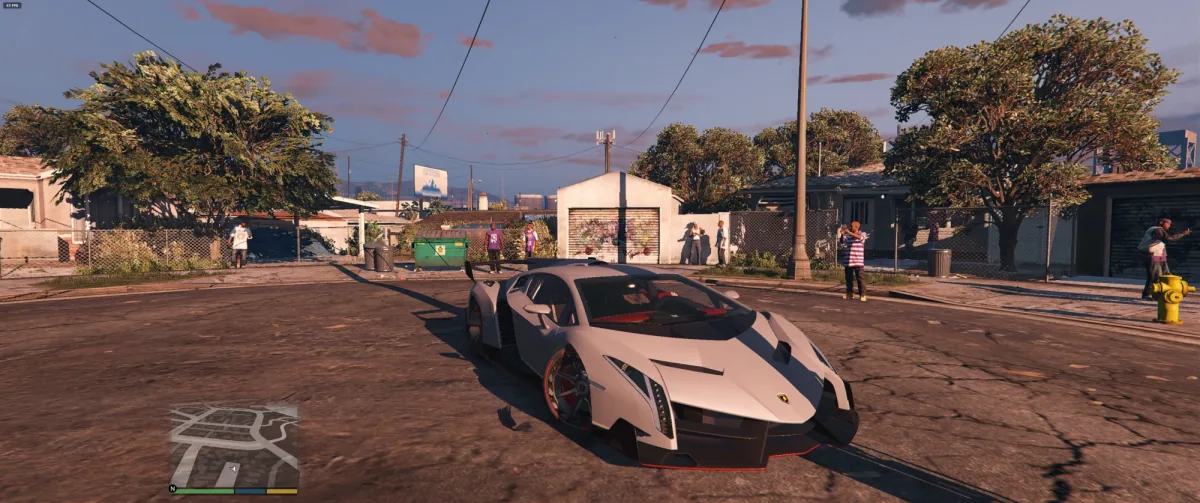
This repository contains no game files and no game code. You need your own copy of the game files, the same ones the iPhone app uses.
What you need
| A Mac with Apple Silicon | Any M-series Mac (M1 or newer) on macOS 13 Ventura or later. Intel Macs aren't supported. |
| Memory | 16 GB plays the Quality preset smoothly. With 8 GB the app starts on a lighter preset by itself. |
| Your own game files | Web build 8b0b5899ed: the folder that contains data/ and b/8b0b5899ed/, about 21 GB. |
1. Get the app
Prebuilt: download GTA5Port-mac-vX.Y.Z.zip from the Releases topic of the Five Star Port Telegram. The newest post there has the newest version. Get it there rather than from random sites, which can have old or modified copies.
Or build it yourself on your Mac from your own game files. You need Xcode and xcodegen (brew install xcodegen):
git clone https://github.com/kevinerikjs/gta5-macos-port.git
cd gta5-macos-port
./build_mac_app.sh --mirror /path/to/your/game-folder
That makes GTA5Port-mac.zip. The first build compiles the whole engine and takes a while; later builds are quicker.
2. Open it the first time
- Unzip it and drag GTA V Port into your Applications folder.
- Open it. macOS says it can't check the app for malicious software. Click Done.
- Open System Settings › Privacy & Security, scroll down, and click Open Anyway next to "GTA V Port". Confirm with your password or Touch ID.
From then on it opens like any other app. The app isn't notarized by Apple, which is why macOS asks this once. You'll be asked again after downloading a new version.
If macOS instead says the app "is damaged and can't be opened", it means the same thing. Run this once in Terminal, then open the app:
xattr -dr com.apple.quarantine "/Applications/GTA V Port.app"
3. Give it your game files
Click the Game files card, then Choose a folder…, and pick the folder your game is in. Any folder above it works too: the app searches everything inside. It remembers the folder, so you only do this once.
- In iCloud Drive? Download it to your Mac first: in Finder, Control-click the folder and choose Download Now. The game needs every file on the Mac.
- Only have the zip or rar? On the Game files screen, paste a link to it or choose the archive, and the app unpacks it for you.
The app checks every game file before you play and tells you exactly what's missing or damaged. Then choose Story mode or Sandbox and click Play.
Playing
- Fullscreen. Play switches the window to fullscreen before the game starts. ⌃⌘F leaves or enters fullscreen at any time.
- Keyboard and mouse. The game's own PC controls, and the game shows PC key prompts. The mouse looks and aims and the scroll wheel switches weapons. While you play, the cursor stays hidden in the game.
- Settings. ⌘, opens Settings at any time, and the game's pause menu (Esc) shows Settings and Mods buttons at the top right. Click them with the game's cursor.
- Graphics. On a Mac the app starts on Quality with the frame rate unlocked. Settings › Graphics has every preset up to Max, plus the resolution and a frame rate cap.
- Mods. Settings › Mods, the same as on iPhone: see MODS.md. Script mods use your real keyboard keys.
- Something went wrong? Settings › Send log to the developer sends this run's log and the previous one in one click.
Updating
Download the new zip, unzip it and drag GTA V Port into Applications, replacing the old one. Your game folder, saves, settings and mods stay. macOS asks once more (step 2) for the new version.
Where the app keeps its files
The app runs in the Mac's app sandbox, so its own files (saves, mods, logs) live in ~/Library/Containers/io.github.playgta5ios.app/Data/Documents. Your game folder stays where it is; the app only reads it.