
Other ways to build (advanced)
The builder above is the easiest route. These older routes still work.
On your own Mac
Needs an Apple Silicon Mac with Xcode (free) and brew install xcodegen. Point the script at your game folder:
./build_ipa.sh --mirror /path/to/your/game-folder          # asks for extra memory (works with any account)
./build_ipa.sh --mirror /path/to/your/game-folder --free   # only if your installer refuses the app
This makes GTA5Port.ipa next to the script (about 30 to 60 minutes); install it with SideStore or AltStore. To install straight from Xcode instead, open app/PlayGTA5Native.xcodeproj (created by the script), choose your iPhone as the destination, pick your Apple ID under Signing & Capabilities (free accounts appear as Personal Team; change the bundle identifier to something unique if Xcode asks), and press Run.
With GitHub Actions yourself, streaming from your computer
The original v1.0 route: your computer serves the game files over Tailscale (free), GitHub builds from them, and the app streams the files while you play. Useful if you don't want 21 GB on your phone.
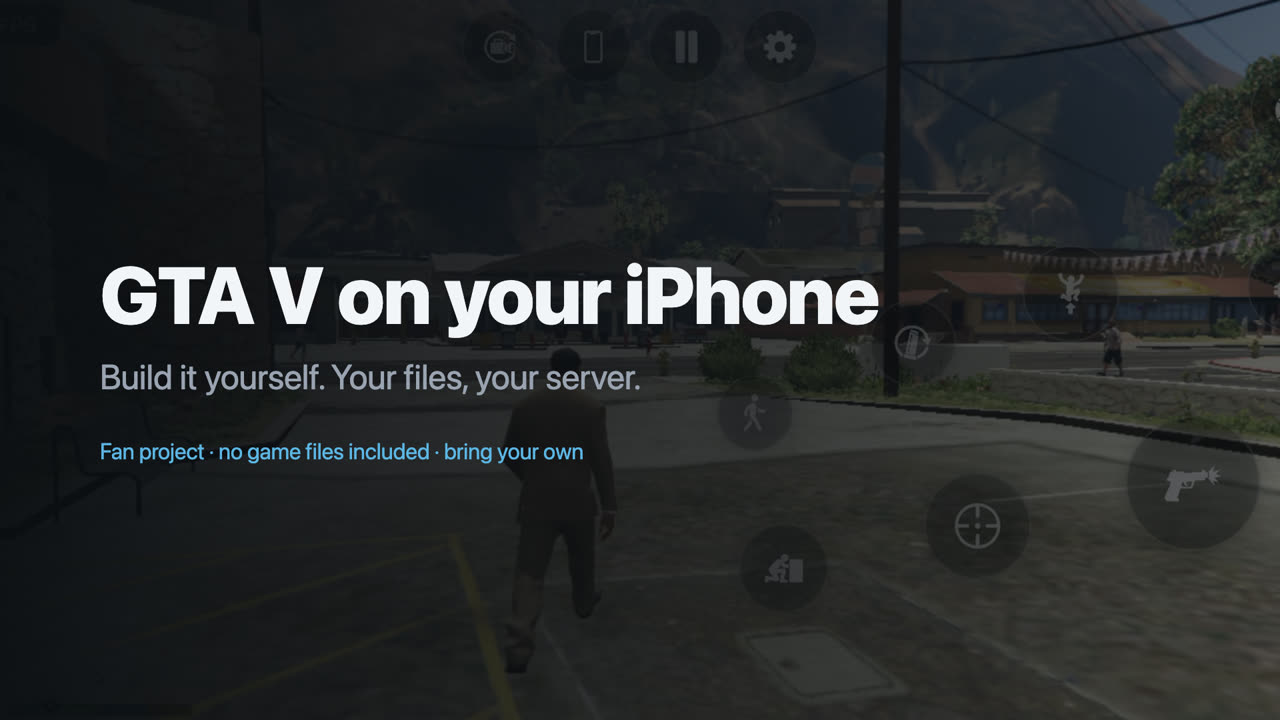
The 70-second v1.0 setup video for this route.
Serve your game files
- Install Tailscale on your computer and phone and sign in to the same account on both.
- In the Tailscale admin console, under DNS, turn on MagicDNS and HTTPS Certificates.
- On the computer, share the game folder (the one containing
data/andb/):tailscale serve --bg "/path/to/your/game-files" - Run
tailscale serve status. It shows your server address, likehttps://my-pc.tailnet-name.ts.net. Openhttps://my-pc.tailnet-name.ts.net/data/manifest.jsonin Safari on your phone; if you see text, it works.
Only devices on your own tailnet can reach it. To stop sharing: tailscale serve --https=443 off.
Build
- On this repository's page, press Use this template › Create a new repository, and choose Private. The build refuses to run in a public copy, because the finished app contains the game engine from your files.
- In the Tailscale admin console: Settings › Keys › Generate auth key. Turn on Reusable and Ephemeral, pick a short expiry such as 7 days, and copy the key.
- In your new repository: Settings › Secrets and variables › Actions › New repository secret. Add
TS_AUTHKEY(the key) andGAME_SERVER_URL(your server address, e.g.https://my-pc.tailnet-name.ts.net). - Actions › Build my IPA › Run workflow, with game files set to my server (Tailscale). Leave Ask for extra memory ticked.
- After about 25 minutes, download
GTA5Port.ipafrom your repository's Releases (or the run's artifacts).
A Mac works for this route too: ./build_ipa.sh https://my-pc.tailnet-name.ts.net.
Play. Keep Tailscale connected; the app opens with your server filled in. The first launch downloads about 4 GB into the app; later launches start much faster. Settings › Game files › Download all game files copies the whole game (about 21 GB) onto the phone so it stops streaming.
Build minutes and billing
Private repositories get free GitHub Actions minutes every month (2,000 on the free plan). Mac minutes count ten times, so one 25-minute build uses about 250 of them: roughly eight builds a month for free. GitHub only charges if you raise your spending limit above zero. If your account has an old billing problem, every run fails instantly with startup_failure; fix it in GitHub's billing settings.